

Turn Your Fire Stick Into a Privacy Powerhouse: The Ultimate Guide to Safe Streaming
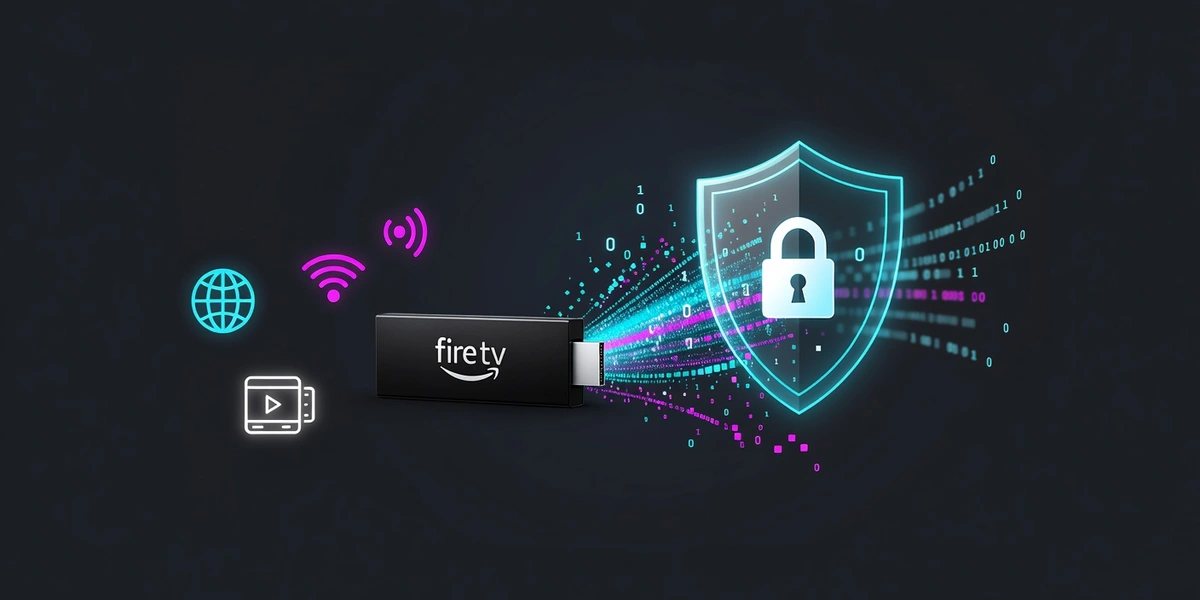
Turn Your Fire Stick Into a Privacy Powerhouse: The Ultimate Guide to Safe Streaming
Hey there, streaming enthusiasts! 👋
If you're anything like me, your Fire Stick has become your best friend for binge-watching sessions. But here's something that might surprise you: every time you fire up Netflix, Hulu, or any other streaming app, your viewing habits are being tracked and recorded. Not exactly the cozy movie night vibe you were going for, right?
Why Your Fire Stick Needs a VPN (Trust Me on This One)
Let me paint you a picture. You're settling in for a relaxing evening, maybe some popcorn, definitely some comfort shows. But behind the scenes, your internet service provider is logging every single thing you watch. Amazon's collecting data too. And don't even get me started on geo-restrictions that block you from accessing content that's literally just a few hundred miles away!
Here's what's really happening:
- Your ISP can see (and potentially throttle) your streaming traffic
- Streaming services track your viewing patterns for targeted ads
- Regional content libraries vary wildly based on your location
- Some ISPs actually slow down streaming during peak hours
The Game-Changing Solution: Unblock Master VPN
This is where Unblock Master VPN comes to the rescue, and honestly, it's been a game-changer for my streaming setup. What makes it special? It's specifically designed with streaming in mind, which means it actually works with major platforms (looking at you, Netflix's VPN detection system).
What Makes Unblock Master Perfect for Fire Stick Users
Lightning-Fast Streaming Servers: Nobody wants that dreaded buffering wheel. Unblock Master's optimized servers keep your streams smooth and HD-quality.
Works With Everything: Netflix, Hulu, BBC iPlayer, Disney+ - you name it. The frustrating "this content isn't available in your region" message becomes a thing of the past.
Military-Grade Privacy: Your streaming habits stay between you and your couch, exactly as it should be.
Setting Up Your VPN: Easier Than Making Microwave Popcorn
Okay, let's get to the fun part - actually setting this up! I'll walk you through the easiest method that doesn't require any technical wizardry.
Method 1: The Sideloading Approach (My Personal Favorite)
Step 1: Prep Your Fire Stick
- Go to Settings > My Fire TV > Developer Options
- Turn on "Apps from Unknown Sources" (don't worry, we're only installing legit stuff)
Step 2: Get Downloader
- Search for "Downloader" in the Amazon App Store and install it
- This little app is your gateway to installing VPN apps that aren't in Amazon's store
Step 3: Download Unblock Master
- Open Downloader and enter the Unblock Master APK URL
- Hit download and let it do its magic
Step 4: Install and Connect
- Install the downloaded file
- Open Unblock Master, log in with your account, and connect to your preferred server
Boom! You're now streaming privately and securely.
Method 2: Router-Level Protection (For the Overachievers)
If you want to protect ALL your devices at once (smart move!), install Unblock Master on your router. Every device that connects to your WiFi - Fire Stick, phone, laptop, even your smart fridge if you're fancy - gets VPN protection automatically.
Pro Tips From Someone Who's Been There
Server Selection Matters: Want US Netflix? Pick a US server. Craving British comedy? London's your friend. Unblock Master makes server switching super simple.
Split Tunneling is Your Friend: This nifty feature lets you route only your streaming traffic through the VPN while keeping everything else on your regular connection. Perfect for maintaining fast speeds.
Always Test First: After connecting, do a quick IP check to make sure everything's working. There's nothing worse than thinking you're protected when you're not.
The Streaming Revolution is Here
Look, I get it. Adding another step to your streaming routine might seem like a hassle. But once you experience the freedom of accessing any content you want, anywhere in the world, while keeping your viewing habits private, you'll wonder how you ever streamed without a VPN.
Your Fire Stick + Unblock Master VPN = unlimited entertainment possibilities with complete privacy. It's honestly that simple.
Ready to transform your streaming experience? Your couch time just got a whole lot better! 🍿
Remember: while VPNs are legal in most countries, always respect the terms of service of your streaming platforms and local laws. Happy streaming!
Tags: fire stick vpn, streaming privacy, unblock master vpn, amazon fire tv, secure streaming
Last update: March 17, 2026, 6:01 a.m.

What is Unblock Master VPN?
Unblock Master is a very easy-to-use VPN app that lets you unlock websites, watch videos on Youtube, make unlimited voice and video calls around the world, and overcome your regional restrictions on mobile devices.
Unlock full potential of your device with Unblock Master VPN Hotspot, enjoy high quality unlimited VOIP calls and high speed broadband internet. Unblock Master VPN offers a secure path through public networks. Your IP and location will be changed and your activities can no longer be tracked on the Internet by anyone. Both mobile phones and tablets are supported by this VPN app.
- Unblock Master VPN keeps your privacy secured, reclaim your privacy!
- Changing IP address makes you anonymous on the internet.
- Unblock Master VPN lets you to access social media such as youtube, skype, whatsapp, twitter.
- Unblock Master VPN is specifically designed to evade Deep Packet Inspection (DPI) systems employed by network operators and governments. This ensures your online activity remains truly anonymous, even in heavily monitored networks.