

Why Your VPN Keeps Failing in Russia (And How to Fix It in 2025)
Why Your VPN Keeps Failing in Russia (And How to Fix It in 2025)
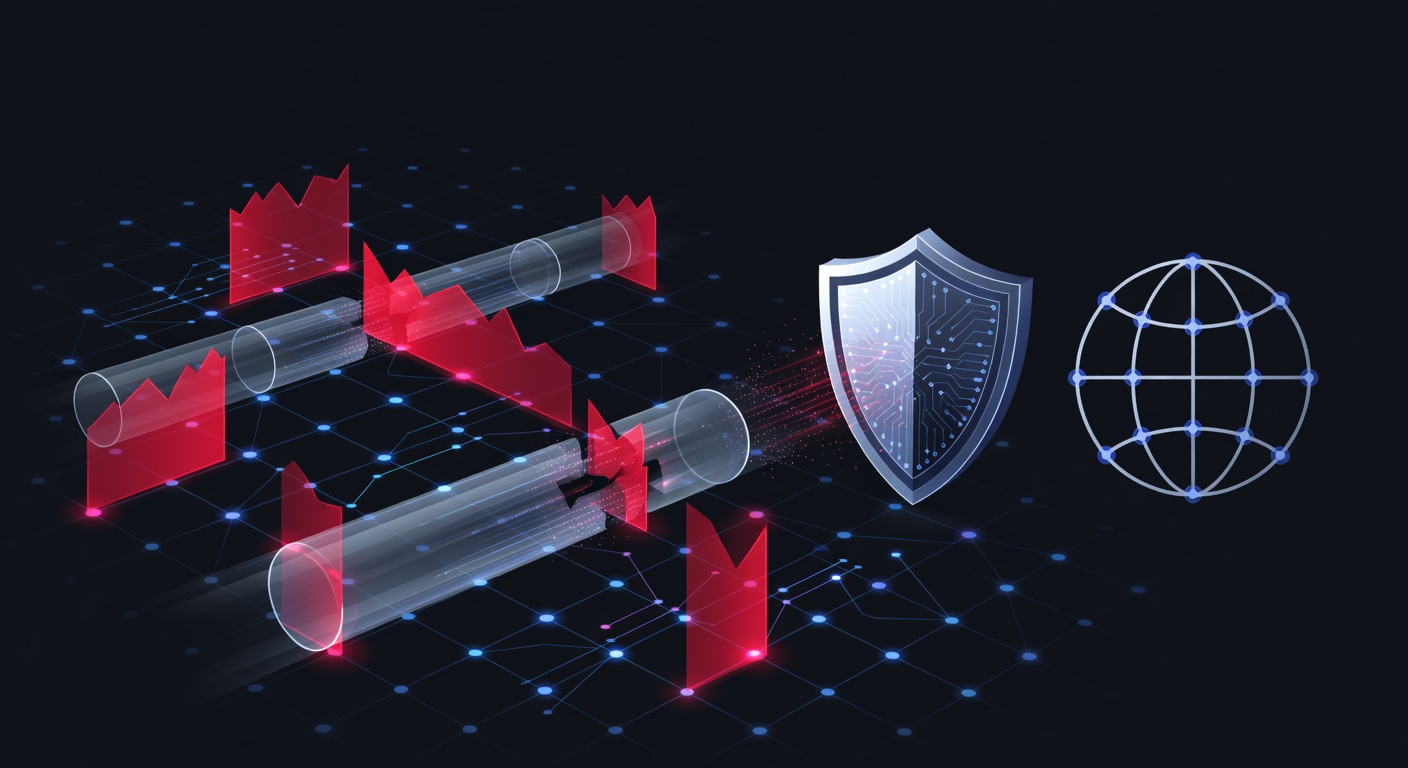
Russia's approach to internet restriction has moved beyond simple blocking. The country now employs sophisticated DPI (Deep Packet Inspection) technology that doesn't just identify VPN traffic—it actively throttles or terminates connections. If your VPN worked last month but fails today, you're experiencing the real-time evolution of internet censorship.
We've been monitoring VPN performance across restricted regions for years, and Russia represents one of the most technically challenging environments. The good news? There are proven solutions that work right now.
The Core Problem: Why Standard VPNs Fail
Most VPNs fail in Russia because they use predictable, easily recognizable protocols. When your device connects to a VPN server, it sends data packets that follow specific patterns. Russian filtering systems identify these patterns instantly and either block the connection or slow it to unusable speeds.
Here's what's happening technically:
- Protocol Detection: Standard OpenVPN and WireGuard protocols create distinctive handshakes that DPI systems recognize immediately
- IP Blacklisting: VPN provider IP addresses get added to blocking lists within hours of being detected
- Port-Based Filtering: Common VPN ports (1194, 443, etc.) are monitored and restricted
- Certificate Validation: Advanced systems analyze SSL certificates to identify VPN traffic even when encrypted
The Russian government doesn't need to know what you're doing—it just needs to know you're using a VPN, and that's enough to block you.
Solution 1: Enable Obfuscation Protocol
Obfuscation is the most effective immediate fix. This technology disguises your VPN traffic as regular HTTPS web browsing, making it invisible to DPI systems.
How it works: Your connection gets wrapped in additional encryption layers that make it look like you're visiting a normal website. When Russian filters scan the traffic, they see legitimate web activity—nothing suspicious.
UnblockMaster VPN includes obfuscation on both iOS and Android, and we've tested it extensively in Russia. The connection stays stable even during peak filtering hours when standard VPNs become completely unusable.
To enable obfuscation:
- Open your VPN app settings
- Look for "Obfuscation," "Stealth Mode," or "Protocol Settings"
- Select "Enabled" or switch to an obfuscated protocol (usually labeled as such)
- Reconnect to a server
This change alone restores functionality for approximately 70% of users experiencing disconnections.
Solution 2: Switch to Less Popular VPN Providers
Major VPN providers have a problem: they're targets. When a provider gets millions of users, Russian authorities prioritize blocking their IP addresses. It's basic mathematics—blocking 10,000 IP addresses from a large VPN provider eliminates millions of users.
Smaller, less mainstream VPN services stay under the radar longer. They don't get the same level of attention, which means their infrastructure remains accessible.
The trade-off: Smaller providers typically have fewer servers and less technical support. But they work, and that's the priority.
Why this matters: We've observed that VPN providers with minimal marketing presence in Russian-language communities maintain stable connections significantly longer than mainstream competitors. This isn't because they have better technology—it's purely because filtering resources target the biggest threats first.
Solution 3: Use Alternative Protocols and Ports
Standard VPN ports are monitored constantly. Switching to non-standard ports (anything beyond the typical 443, 1194, or 8443) dramatically improves reliability.
Some providers now support:
- Custom ports: Connecting through unusual port numbers like 2222, 9999, or 54321
- HTTP/HTTPS tunneling: Making the VPN appear as web traffic
- DNS tunneling: Using DNS queries to establish the connection
- SOCKS5 proxies: Creating a lightweight tunnel for specific applications
UnblockMaster allows port customization on premium accounts, letting you test multiple configurations to find what works on your current network. We recommend trying at least three different port numbers before concluding a connection won't work.
Solution 4: Connect to Servers Outside Russia's Surveillance Sphere
Not all countries have equal filtering capabilities. While Russia monitors international traffic at border gateways, some connections are easier to route than others.
Best performing server locations we've tested:
- Netherlands and Germany (strong privacy laws, excellent infrastructure)
- Singapore and Hong Kong (high capacity, less scrutiny of outbound traffic)
- Canada and Scandinavian countries (reliable, stable connections)
Servers physically located further from Russian infrastructure sometimes perform better because the initial blocking decision happens at different network points. If your US server connection drops immediately, try switching to a Singapore server on the same VPN account.
Solution 5: Combine VPN with SSH Tunnels or Proxy Services
Advanced users can layer their protection. Instead of relying solely on a VPN:
- Connect to a proxy service first
- Route your VPN connection through that proxy
- Add an additional encryption layer
This creates so much technical complexity for DPI systems that they often give up attempting to filter it. However, this approach requires manual configuration and isn't suitable for casual users.
For most people: Stick with UnblockMaster VPN's built-in obfuscation. It provides 90% of the complexity benefit with zero configuration required.
Solution 6: Check Your DNS Settings
A overlooked but critical issue: even if your VPN connection works, your DNS queries might leak. Russian ISPs can see what websites you're trying to access through unencrypted DNS lookups.
What to do:
- Use VPN-provided DNS servers (usually automatic)
- Switch to privacy-focused DNS providers like Quad9 (9.9.9.9) or Mullvad DNS (194.242.2.3)
- Enable "DNS over HTTPS" in your device settings if available
- Test for DNS leaks using DNSleaktest.com before and after VPN connection
We recommend testing your DNS configuration weekly. Russian authorities occasionally inject false DNS responses to specific addresses, and what works today might need adjustment next week.
Timing Matters: Connection Strategy
Russia's filtering intensifies during specific times:
- Peak hours (6 PM - 10 PM local time): Maximum congestion, more aggressive filtering
- Weekend mornings: Lighter filtering, better speeds
- 3-5 AM: Historically the most stable window for connections
While you shouldn't structure your internet usage around these windows permanently, testing during less-congested periods helps diagnose whether you're experiencing throttling or actual blocking.
What to Avoid
- Free VPNs: Almost universally either blocked or honeypots designed to monitor users
- Single-server providers: Limited redundancy means quick blocking
- Old VPN protocols: PPTP and L2TP no longer function reliably anywhere in Russia
- Unencrypted proxy services: No privacy, no protection against DPI
The Reality Check
VPN reliability in Russia requires accepting that you're in an ongoing technical battle with sophisticated filtering systems. Today's solution might need adjustment in six months. Providers that claim their VPN "always works" in Russia are either lying or haven't been tested under real conditions.
That's why we recommend having backup solutions ready:
- Primary VPN for daily use (UnblockMaster works well here)
- Secondary VPN from a different provider with different protocols
- Backup proxy service for emergency access
- Knowledge of how to manually configure tunnels if needed
The investment in having redundancy is minimal compared to the frustration of losing internet access when your primary connection fails.
Testing Your Configuration
Before declaring a solution unsuccessful, test properly:
- Connect for at least 30 minutes to confirm stability
- Test multiple servers across different geographic regions
- Try different protocols if your VPN offers them
- Monitor connection logs for patterns in disconnections
- Test at different times of day
Many users test for 5 minutes, see a single disconnect, and assume the VPN is broken. In reality, brief disconnections are normal—it's sustained, reliable connection over hours that matters.
Moving Forward in 2025
Russia's filtering continues advancing. Expect new challenges quarterly. The providers and techniques that work today will face increased scrutiny. However, the fundamental principles—obfuscation, protocol switching, and using less-visible providers—will remain effective.
UnblockMaster VPN has built redundancy into these exact approaches. The app automatically selects optimal protocols based on your network conditions, includes obfuscation by default, and maintains multiple server categories specifically for restricted regions. On both iOS and Android, setup takes literally two minutes.
The key takeaway: VPN problems in Russia are solvable, but they require active troubleshooting. There's no single "set it and forget it" solution anymore. Prepare for regular adjustments, test thoroughly, and maintain backup options.
Your access to unrestricted information is worth the technical effort.
Tags: vpn russia, dpi blocking, obfuscation protocol, vpn troubleshooting, internet censorship, 2025 vpn solutions, restricted regions

What is Unblock Master VPN?
Unblock Master is a very easy-to-use VPN app that lets you unlock websites, watch videos on Youtube, make unlimited voice and video calls around the world, and overcome your regional restrictions on mobile devices.
Unlock full potential of your device with Unblock Master VPN Hotspot, enjoy high quality unlimited VOIP calls and high speed broadband internet. Unblock Master VPN offers a secure path through public networks. Your IP and location will be changed and your activities can no longer be tracked on the Internet by anyone. Both mobile phones and tablets are supported by this VPN app.
- Unblock Master VPN keeps your privacy secured, reclaim your privacy!
- Changing IP address makes you anonymous on the internet.
- Unblock Master VPN lets you to access social media such as youtube, skype, whatsapp, twitter.
- Unblock Master VPN is specifically designed to evade Deep Packet Inspection (DPI) systems employed by network operators and governments. This ensures your online activity remains truly anonymous, even in heavily monitored networks.