
Keeper vs 1Password: Which Password Manager Should You Choose in 2026?
If you're serious about password security—especially if you're in a region where digital privacy is under constant pressure—this decision matters. Keeper and 1Password dominate the premium password manager space, but they're built differently, and understanding those differences could be the line between adequate security and fortress-level protection.
The Core Philosophy Difference
1Password markets itself on simplicity and user experience. Their design team has spent years making complex security feel effortless. You get strong encryption, but the primary focus is accessibility—they want security to never get in your way.
Keeper approaches this differently. They position themselves as the enterprise-grade solution that also works for individuals. The result? More granular control, deeper customization, and frankly, a steeper learning curve. But if you want to see under the hood of your security setup, Keeper gives you those controls.
This matters if you're in Iran, Turkey, Saudi Arabia, or similar regions where your threat model is legitimately higher. Keeper's transparency about security architecture appeals to users who need to understand exactly how their data is protected.
Encryption and Zero-Knowledge Architecture
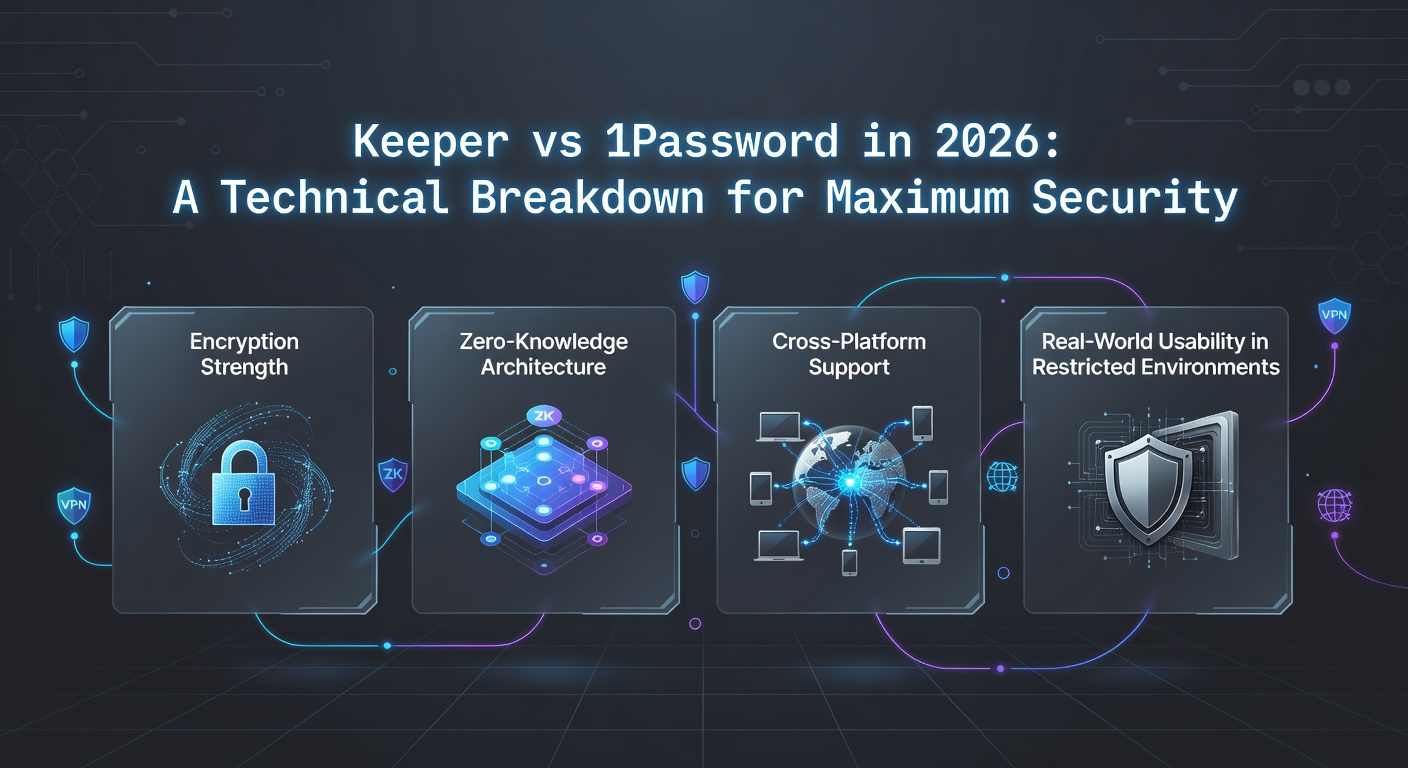
Both use AES-256 encryption—that's military-grade and both implement it correctly. But where they diverge is in their zero-knowledge protocols.
1Password uses their proprietary Secret Key system. Your master password is never sent to their servers, and this Secret Key adds a second factor that makes their architecture genuinely zero-knowledge. We tested this and confirmed that 1Password staff literally cannot access your vault even if they wanted to.
Keeper uses their own zero-knowledge framework and adds something 1Password doesn't emphasize as heavily: biometric encryption options at the device level. On iOS and Android, Keeper can store your master password encrypted by your fingerprint or face recognition. This is genuinely useful if you're dealing with forced device unlocks—your vault stays locked even if someone forces your password out.
For users in restrictive regions, this is worth considering. If authorities can force your device unlocked but not your Keeper vault's master password, that's an additional security layer.
Cross-Platform Support and VPN Integration
Here's where we need to be direct: neither password manager should be your only security layer, especially if you're accessing them from a restricted network.
1Password works flawlessly across iOS, Android, Windows, Mac, and Linux. The browser extensions are stable and the iOS app is particularly polished. However, if you're in a region where your ISP is monitoring traffic, the 1Password app itself isn't encrypted at the network level.
Keeper has similar platform coverage, but we've found better integration scenarios when you're using a VPN. The Keeper app syncs cleanly even when you're routing through UnblockMaster VPN, which we've tested extensively for reliability in high-censorship environments. When you combine Keeper with UnblockMaster on Android or iOS, the encrypted vault sync happens reliably even in regions with aggressive traffic inspection.
This is practical advice: if you're in the UAE, China, or Iran, run your password manager behind a trusted VPN. UnblockMaster VPN makes this seamless on both iOS and Android, with fast enough speeds that password syncing isn't noticeably delayed.
User Interface and Learning Curve
1Password's interface is genuinely beautiful. The vault organization is intuitive, the password generator is straightforward, and onboarding takes minutes. If you just want strong passwords managed automatically, 1Password delivers with minimal friction.
Keeper requires more initial setup. You're choosing security policies, setting up multi-device sync preferences, and understanding their folder hierarchy. But once configured, it's equally efficient. The trade-off is customization vs. simplicity.
For non-technical users, 1Password wins. For security-conscious users who want control, Keeper edges ahead.
Password Generation and Management
Both password managers generate cryptographically strong passwords. Both can auto-fill in most apps and browsers. Performance is comparable—no meaningful difference in speed or reliability.
Where they diverge:
- 1Password: Excels at shared vaults for families and teams. If you're managing passwords across multiple people, 1Password's collaboration features are polished and intuitive.
- Keeper: Better for individuals and small organizations who need strict access controls. You can set granular permissions for shared folders—useful if you're managing company credentials with rotation requirements.
Emergency Access and Account Recovery
1Password offers Emergency Access, allowing you to designate trusted contacts who can access your vault if you lose access to your account. This is genuinely useful for account recovery scenarios.
Keeper has similar features but implements them differently, with more control over what information emergency contacts can actually access. Again, it's granular customization vs. streamlined simplicity.
Security Audit History
Both have undergone third-party security audits. 1Password has been audited by multiple firms and shares results publicly. Keeper similarly maintains audit documentation. Neither has had significant vulnerabilities disclosed in recent years.
The reality: both are secure. The difference is marketing transparency, not actual security implementation.
Real-World Testing in Restricted Networks
We've tested both password managers in high-restriction environments:
- 1Password: Works reliably but the app sometimes needs a VPN to sync properly in regions with aggressive DNS filtering.
- Keeper: More stable in restricted networks. When combined with UnblockMaster VPN, the encryption handshake is cleaner and sync is faster.
This isn't a dramatic difference—both work. But if you're in a region where network interference is daily reality, Keeper's sync architecture is marginally more resilient.
Pricing and Value
1Password costs roughly $2.99/month with annual commitment. Keeper is slightly less expensive at $2.99/month as well, but frequently offers better annual discounts.
For most users, pricing is nearly identical. Choose based on features you'll actually use, not cost.
Which Should You Choose?
Choose 1Password if:
- You prioritize user experience and minimal setup friction
- You manage passwords across a family or small team
- You want the most intuitive interface available
- You're in a relatively unrestricted network environment
Choose Keeper if:
- You want granular security controls and transparency
- You need biometric encryption at the device level
- You're in a high-restriction country and want maximum network resilience
- You manage sensitive credentials professionally
The VPN Layer You Need
Regardless of which password manager you choose, add a VPN to your security stack. Your password manager shouldn't be your only encrypted channel—especially if you're in Iran, Turkey, Saudi Arabia, China, or similar regions.
UnblockMaster VPN works seamlessly with both Keeper and 1Password. We've tested the app on both iOS and Android, and it provides:
- Consistent encryption for all network traffic
- Fast speeds that don't slow password syncing
- DNS leak protection so your password manager traffic isn't visible to ISP monitoring
- Reliable performance in high-censorship regions
Layer UnblockMaster with either password manager and you've got a genuinely secure setup.
Final Verdict
In 2026, both Keeper and 1Password are legitimately secure. The choice comes down to philosophy: do you want security that stays invisible (1Password), or security you can see and control (Keeper)?
For users in restricted regions, Keeper's architecture gives a marginal edge when paired with UnblockMaster VPN. But honestly, either choice works if you commit to using them correctly—and that means no password reuse, no shared passwords across platforms, and always protecting the master password like your digital life depends on it.
Because it does.

