
Why Schools Block Instagram (And How Students Get Around It in 2024)
Picture this: you're sitting in the library during your free period, trying to check if your best friend posted photos from last night's basketball game, and... nothing. That dreaded "This site is blocked" message pops up again. Sound familiar?
The Real Reason Schools Block Social Media
Before we dive into solutions, let's talk about why schools do this in the first place. It's not because they hate fun (though I know it feels that way sometimes).
Bandwidth Is Expensive
Schools are dealing with hundreds or thousands of students all trying to use the internet at once. When half the student body is watching Instagram Stories during lunch, it can slow down the network for everyone — including teachers trying to use educational resources.
Keeping Students Focused
Let's be honest here. Social media is designed to be addictive. Those endless feeds and notification pings are specifically engineered to capture and hold your attention. Schools figure that blocking these distractions might help students focus on, well, school stuff.
Legal and Safety Concerns
Schools also worry about cyberbullying, inappropriate content, and students sharing too much personal information. By blocking social platforms, they're trying to create a safer digital environment.
The Cat-and-Mouse Game
Here's where it gets interesting. Students are resourceful, and they've found plenty of ways around these blocks. Some try using Instagram's mobile site instead of the app, others look for proxy websites that act as middlemen.
But here's the thing — most of these workarounds are either unreliable, slow, or potentially risky for your privacy.
The VPN Solution That Actually Works
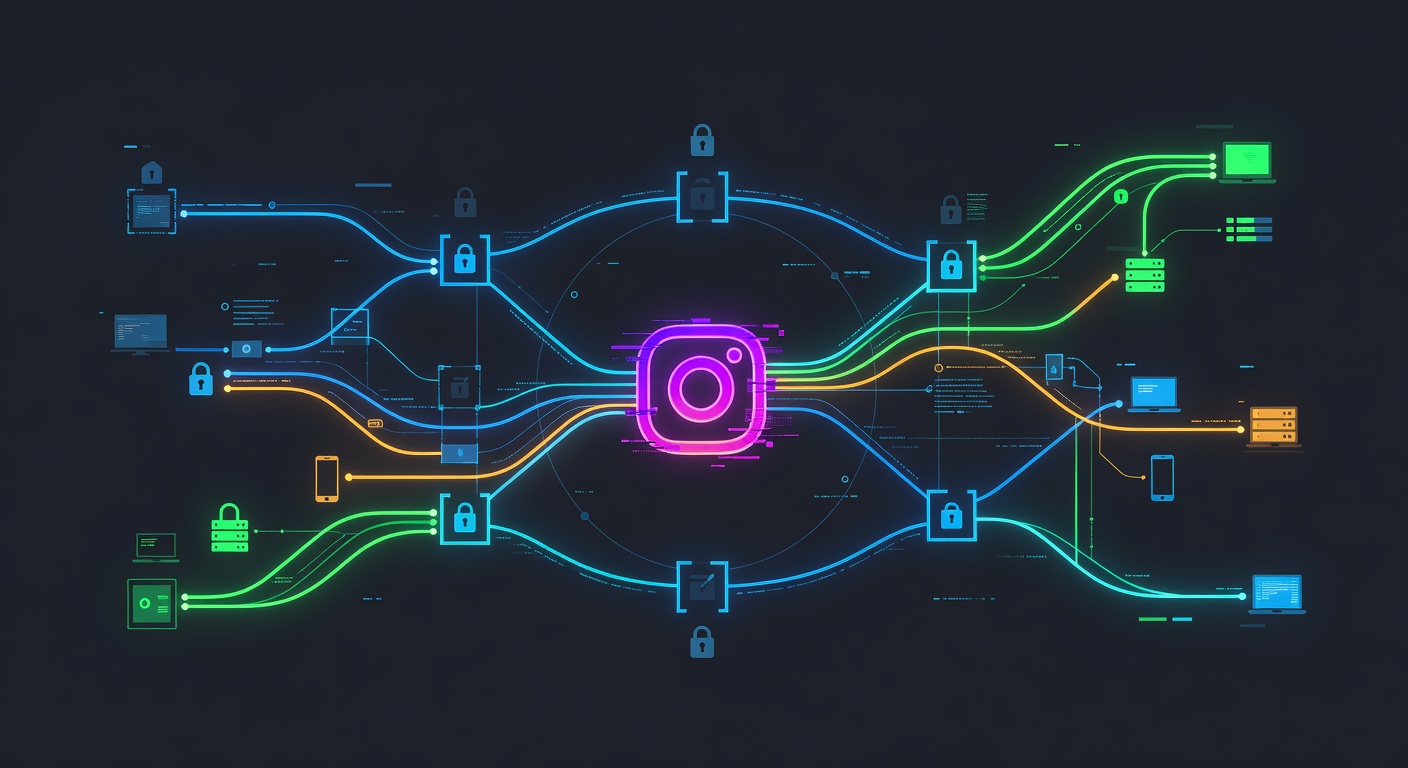
This is where a quality VPN like Unblock Master comes into play. Think of it as your personal tunnel through the internet that school filters can't detect.
Why Unblock Master Stands Out
What I love about Unblock Master is how straightforward it is. You don't need to be a tech wizard to use it — just download, connect, and you're browsing freely. Here's what makes it special:
- Lightning-fast speeds that won't make you wait forever for photos to load
- Military-grade encryption that keeps your browsing private
- Works on all devices — your phone, laptop, tablet, you name it
- No logs policy means they're not tracking what you do online
Easy Setup Process
Setting up Unblock Master takes about 2 minutes:
- Download the app from their official website
- Create your account
- Choose a server location (I recommend picking one close to you for better speeds)
- Connect and start browsing
That's it! Instagram, TikTok, Snapchat — whatever was blocked before should now work perfectly.
A Word About Responsible Use
Look, I get it. You want to stay connected with friends and see what's happening in the world. That's totally normal. But here's my friendly advice: use your newfound internet freedom responsibly.
Don't spend your entire study period scrolling through memes (save some of that for after school!). And definitely respect any specific rules your school has about device usage during class time.
Beyond Just Instagram
While we're talking about Unblock Master, it's worth mentioning that it's not just useful for getting around school blocks. This VPN is fantastic for:
- Protecting your privacy on public Wi-Fi networks
- Accessing geo-blocked content when you're traveling or at home
- Keeping your online activities private from ISPs and data collectors
The Bottom Line
School internet restrictions can be frustrating, but they usually come from a place of good intentions. That said, having access to social media during appropriate times shouldn't be too much to ask.
A reliable VPN like Unblock Master gives you the freedom to access the content you want while keeping your online activities secure and private. Just remember to use it wisely and respect your school's overall technology policies.
Stay connected, stay safe, and happy browsing!
Want to try Unblock Master for yourself? Their user-friendly interface and robust security features make it my top recommendation for students looking to bypass network restrictions safely.

