
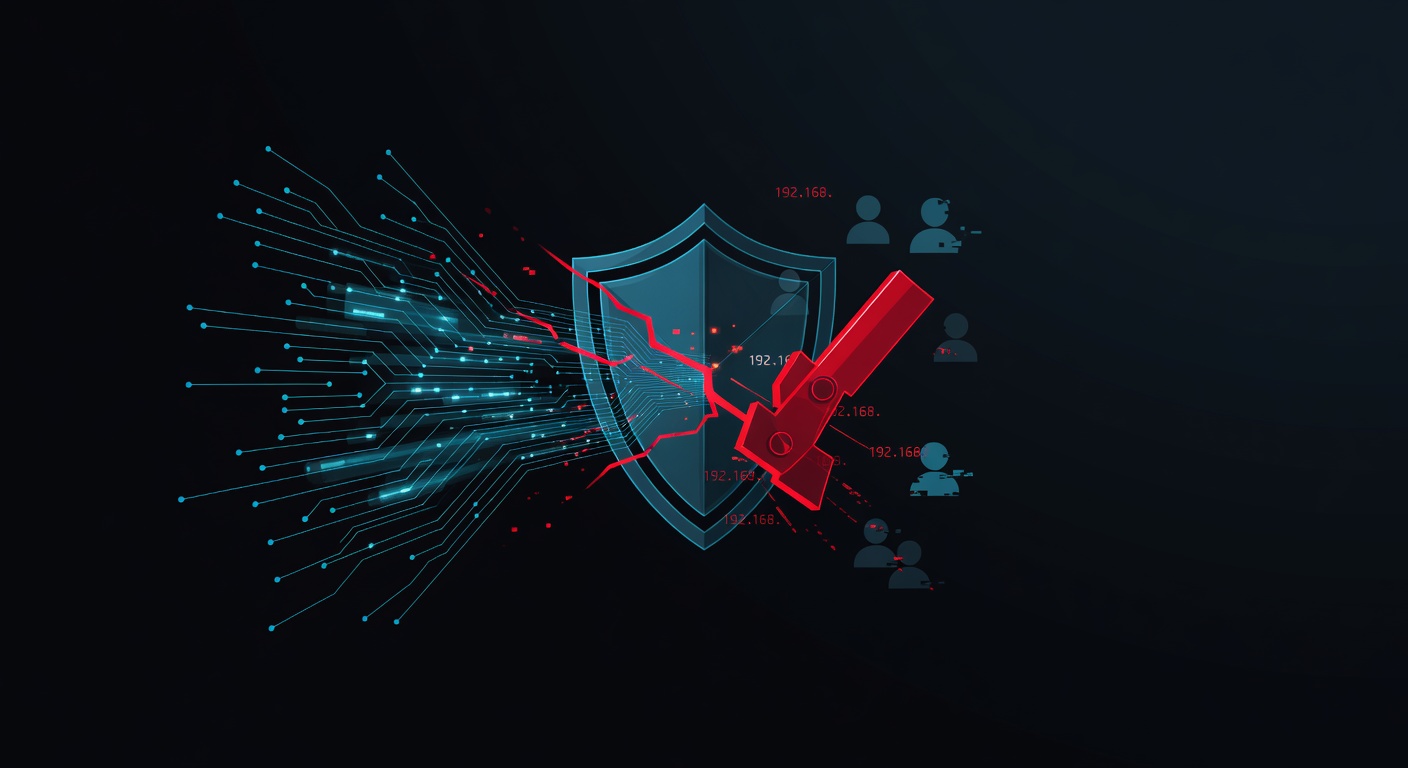
The Scary Moment Every VPN User Dreads
Picture this: You're working from a coffee shop, connected to your VPN, feeling all secure and protected. Maybe you're accessing your company's confidential files or just browsing privately. Then suddenly — without any warning — your VPN connection drops.
For those few seconds (or minutes) before you notice, your real IP address, location, and browsing activity are completely exposed to your internet provider, the coffee shop's network admin, and potentially anyone else watching. Yikes!
This is exactly why I always tell my readers that a VPN kill switch isn't just a nice-to-have feature — it's absolutely essential.
What Exactly Is a VPN Kill Switch?
Think of a kill switch as your internet's emergency brake. When your VPN connection unexpectedly fails, the kill switch immediately cuts off your entire internet connection. It's like having a vigilant security guard who locks all the doors the moment they detect a breach.
Here's the simple version: No VPN connection = No internet connection. Period.
This might sound inconvenient (and honestly, it can be for a few seconds), but it's infinitely better than accidentally exposing your real identity and data to the world.
How Does This Digital Bodyguard Actually Work?
The magic happens behind the scenes through some pretty clever technology:
Network-Level Protection
Most quality VPN services monitor your connection status constantly. The moment they detect that the secure VPN tunnel has broken, they automatically block all internet traffic from your device. It's like having a smart firewall that knows when to slam the gates shut.
Application-Level Control
Some kill switches get even more granular. Instead of cutting off your entire internet, they can selectively block specific apps or programs. So if your VPN drops while you're torrenting, it might only block your torrent client while keeping your email or browser working.
Why This Feature Is Your Privacy Lifeline
Let me be brutally honest here — VPN connections fail more often than companies like to admit. It happens for all sorts of reasons:
- Your internet connection hiccups
- The VPN server goes down
- Your device switches from WiFi to mobile data
- Background apps interfere with the connection
- You accidentally close the VPN app
Without a kill switch, each of these scenarios could expose your real IP address and potentially compromise whatever you were doing online. That's a privacy disaster waiting to happen.
The Unblock Master Advantage
This is why I'm such a fan of Unblock Master VPN. Their kill switch feature is rock-solid and works exactly how it should — no fuss, no complex settings to configure.
What I love about Unblock Master's approach:
- Automatic activation: The kill switch works right out of the box
- Lightning-fast response: Cuts internet access within milliseconds of detecting VPN failure
- Smart reconnection: Automatically restores your connection once the VPN tunnel is secure again
- Zero logs: Even if something goes wrong, they're not storing your data anyway
Plus, their kill switch works seamlessly across all devices — whether you're on Windows, Mac, Android, or iOS.
Different Types of Kill Switches (And Which One You Need)
Not all kill switches are created equal. Here's what you should know:
System-Wide Kill Switch
This is the gold standard. It blocks ALL internet traffic when your VPN fails. Sure, it's aggressive, but it's also the most secure option.
App-Specific Kill Switch
This gives you more control by letting you choose which applications get blocked. Great if you want to keep some apps running while protecting others.
Always-On Kill Switch
This prevents any internet connection unless your VPN is active. It's perfect for maximum privacy, but can be inconvenient if you sometimes need to connect without a VPN.
For most people, I recommend the system-wide approach — it's simple, effective, and foolproof.
How to Make Sure Your Kill Switch Actually Works
Here's a pro tip I always share: Test your kill switch before you need it!
- Connect to your VPN
- Check your IP address (whatismyipaddress.com works great)
- Manually disconnect your VPN or force-close the app
- Try to browse the internet immediately
If everything works correctly, you shouldn't be able to access any websites until you reconnect your VPN. If you can still browse, your kill switch isn't working properly — time to switch VPN providers.
The Bottom Line: Don't Gamble With Your Privacy
Look, I've been writing about VPNs and privacy for years, and I can't stress this enough: a VPN without a reliable kill switch is like a car without seatbelts. Sure, you might be fine most of the time, but when something goes wrong, you'll wish you had that extra protection.
VPN connections will fail eventually — it's not a matter of if, but when. The question is: will you be protected when it happens?
If you're currently using a VPN that doesn't have a kill switch (or has one that doesn't work reliably), it's time to upgrade. Your privacy and security are worth way more than the few dollars you might save on a cheaper service.
Trust me, the peace of mind knowing your real identity stays hidden no matter what happens is absolutely priceless.

